
Exercise 11: Regression Modelling 2
Important
Before starting this exercise, make sure you have worked through the lesson for this week.
Instructions
Download and open the project for this week:
-
11-content.zip: Download this file, unzip it, and double-click on11-content.Rprojto open it in RStudio.
-
Rename the Quarto file from
11-exercise.qmdto something that includes your name, e.g.tanaka-yuki_exercise-11.qmd, and open it.Complete the Weekly Reflection questions and work through the exercises in the file. You can copy, paste, and adapt from the lesson — you don’t need to write everything from scratch!
When you’re done, click the Render button at the top of the editing window to create an HTML file.
- Upload the rendered HTML file to Moodle by the deadline.
Tips
TipDownloading the source code
Your rendered HTML file includes a code download button in the top-right corner. If you or a classmate ever needs to recover the original .qmd source code from a rendered HTML file, click that button to download it directly.
TipFile organisation
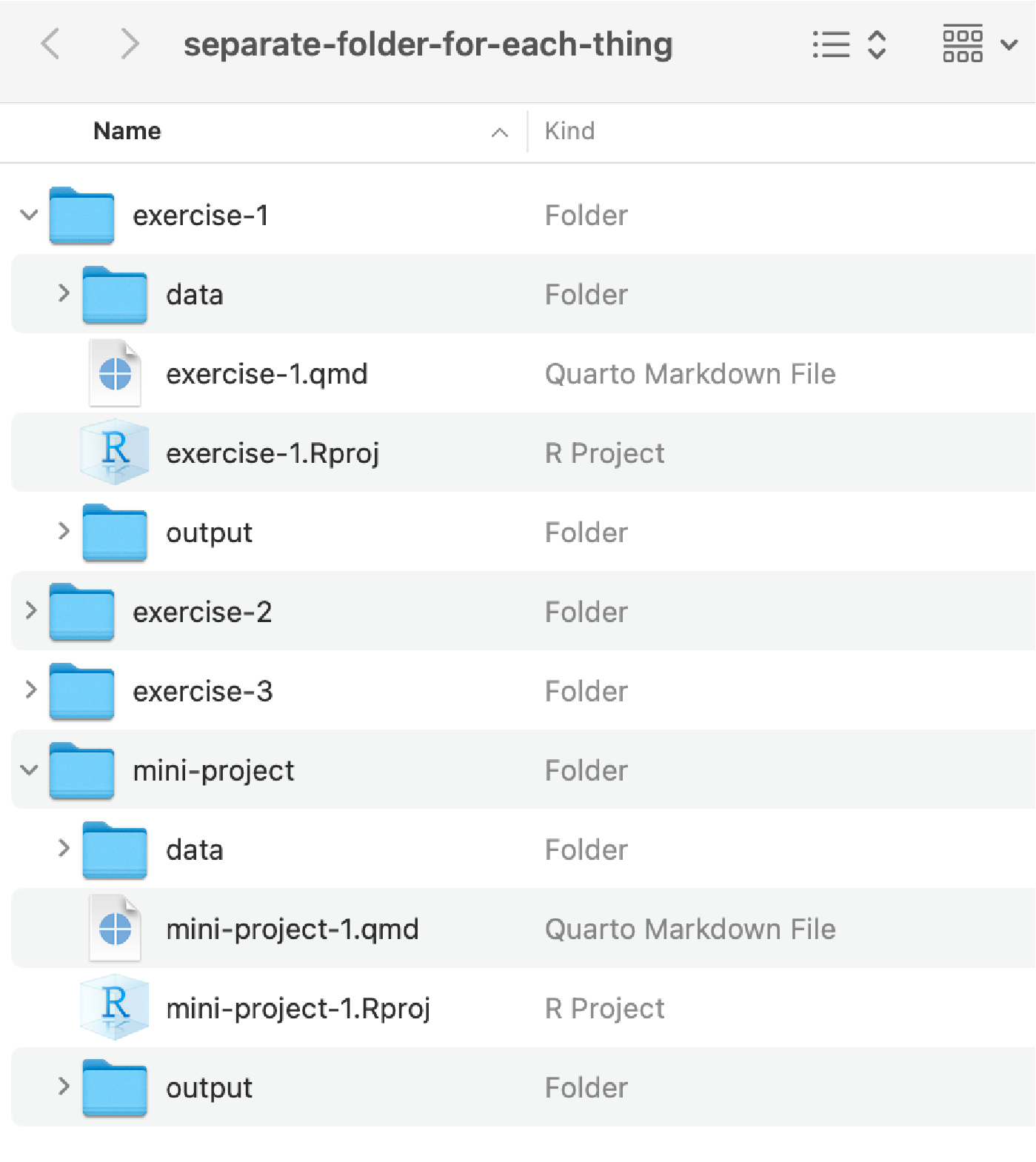
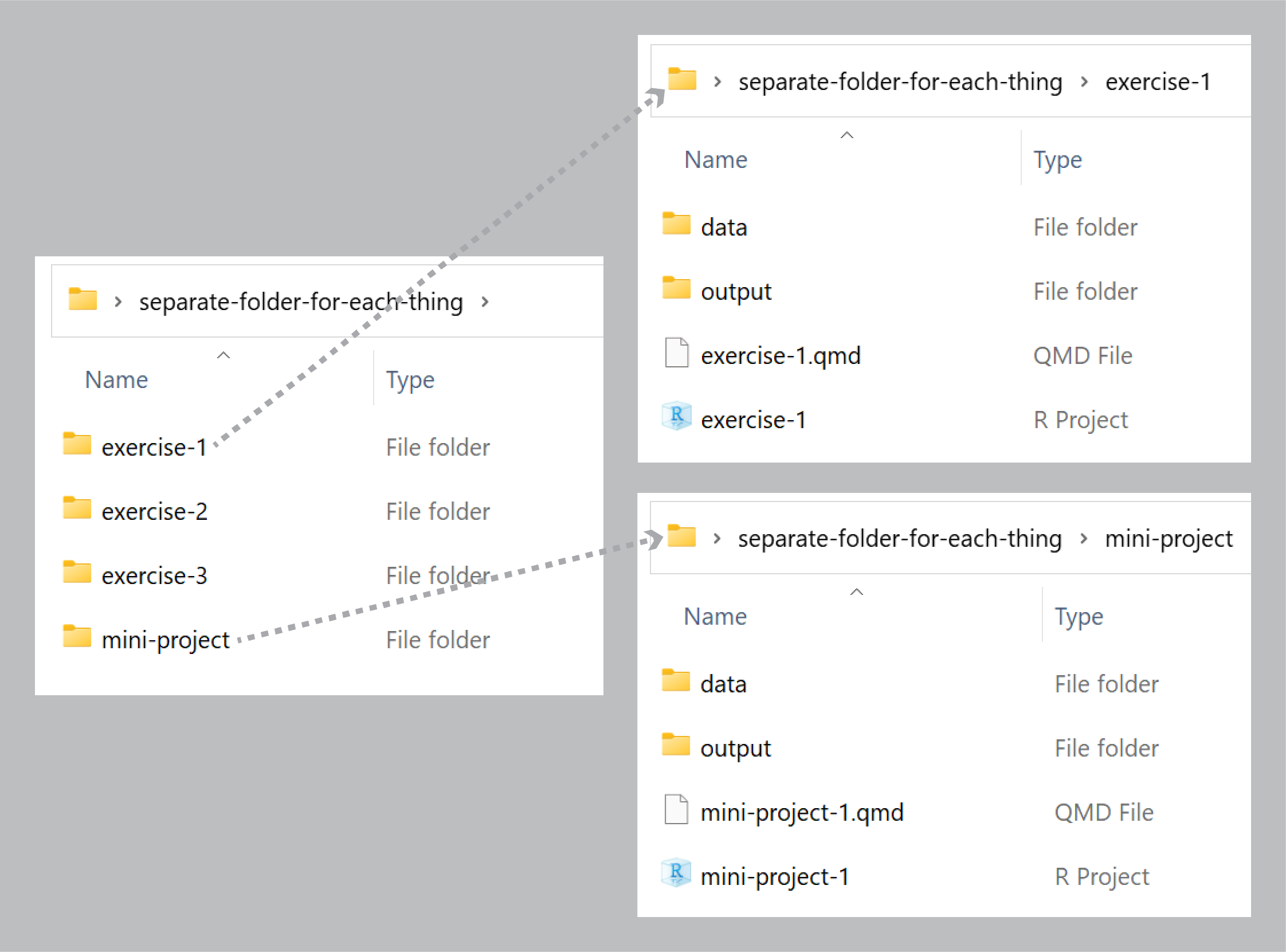
Each exercise has its own .Rproj file. Keep each exercise in its own folder — this makes it much easier to manage file paths and avoid confusion between projects.
TipWhat to do if a code chunk won’t render
Sometimes a code chunk causes an error that stops the whole document from rendering. You have two options:
Option 1 — Set eval: false in the chunk:
Add #| eval: false at the top of the problematic chunk. This tells R to display the code but not run it:
::: {.cell layout-align="center"}

```{.r .cell-code}
some_code_that_causes_an_error()
```
:::
Option 2 — Set eval: false globally in the YAML:
If many chunks are causing problems, you can turn off evaluation for the whole document by adding this to your YAML header. Be aware this means no code will run when rendering:
---
title: "My Exercise"
format: html
execute:
  eval: false
---
You can then re-enable individual chunks by adding #| eval: true to specific chunks you want to run.